Quality Solar Installations

0412 534 880
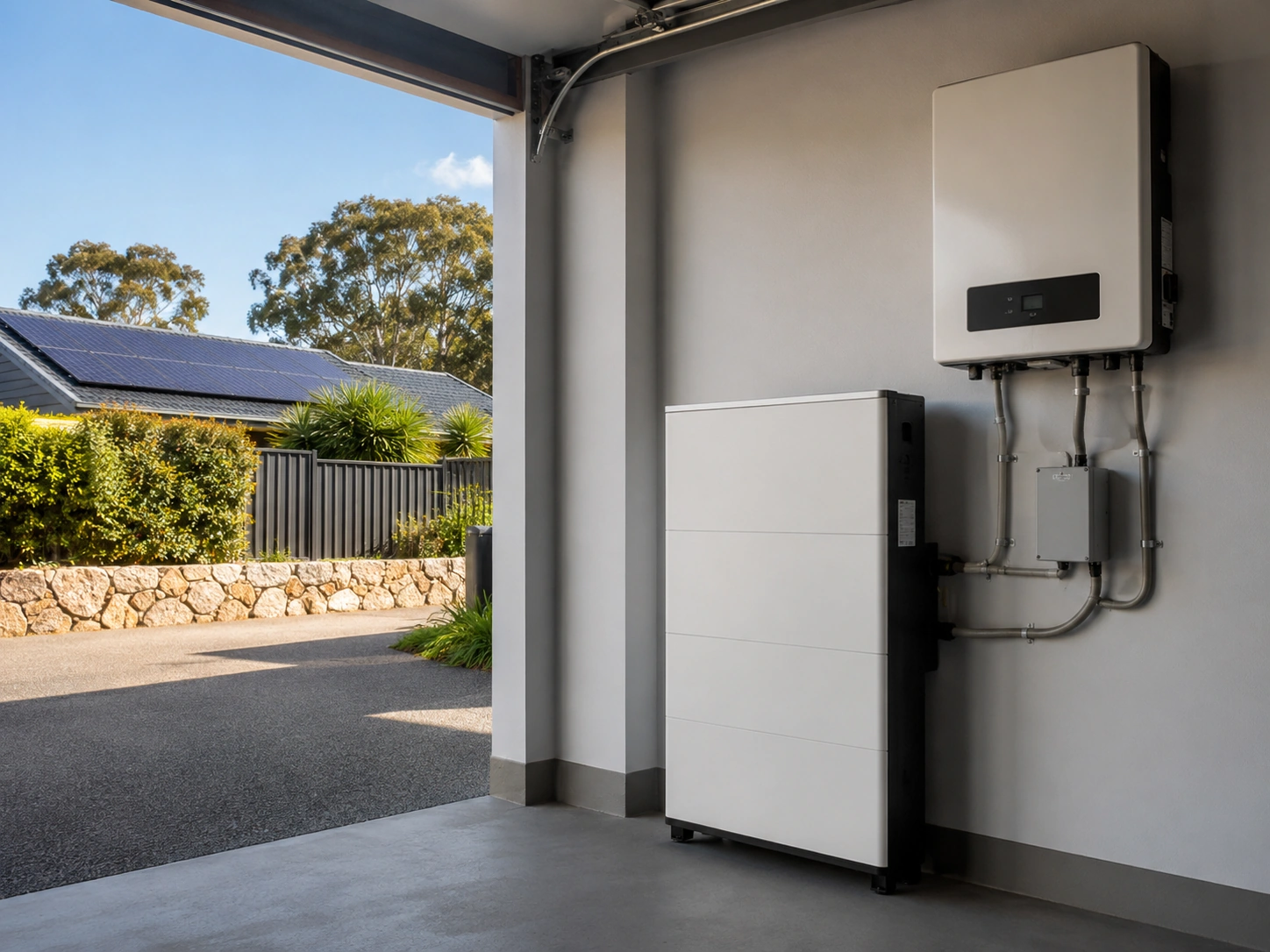
Common reasons a solar battery may not charge properly include low solar surplus, system settings, inverter faults, weather impacts and battery protection limits.
For homeowners investing in solar batteries on the Central Coast, reliable charging performance is essential for maximising energy independence and reducing reliance on the grid. When a battery stops charging properly, it can affect daily energy use, backup power availability and the overall return on a solar investment. Understanding the likely cause is the first step towards restoring system performance and preventing unnecessary wear on important components.
This guide explores the most common reasons a solar battery may fail to charge as expected. By working through the possible causes methodically, homeowners can better understand what may be affecting their system, identify warning signs early and know when professional support from Freedom Solar & Batteries may be required.
Homeowners should limit their own checks to monitoring app data, visible alerts and external signs of damage. Do not open the battery, inverter, switchboard or isolator enclosure. If there are fault codes, burning smells, water damage, swelling, corrosion or repeated tripping, follow the manufacturer’s shutdown procedure and arrange a qualified inspection.
A battery can only charge if the solar system is producing more energy than the home is using in real time. If the panels are only covering daytime consumption with little or no surplus, there will be nothing left over to store in the battery. When a battery is not charging as expected, it is important to confirm whether there is actually excess solar available.
Compare solar generation against household demand throughout the day, not just at one moment. Short dips are normal, but long periods where usage equals or exceeds solar output will limit charging and can make a healthy battery appear faulty.
Most modern hybrid inverters and monitoring apps display three important values in real time: solar production, grid import or export, and battery charge or discharge. During sunny periods, when the battery has available capacity, the display should usually show:
If solar generation only matches or sits below household demand, the battery will not receive much charge. This often happens in homes with high daytime usage, such as multiple air conditioners, pool pumps, electric water heaters, ovens, dryers or other large appliances running at the same time.
Solar production changes throughout the year. Short winter days, low sun angles and frequent cloud cover can reduce output compared with peak summer conditions. During these periods, the system may only meet essential daytime loads, meaning the battery charges slowly or not at all.
Extended periods of smoke, dust, salt residue or heavy pollution can also reduce generation without an obvious system fault. This can be especially relevant for coastal homes, where panels may be exposed to salt, wind and debris. After these events, panel cleaning or a system inspection may help restore lost output.
A useful check is to compare current daily production with previous data from the same month or with the original system estimate. If output is lower than expected for the season, the problem may be with solar generation rather than the battery itself.
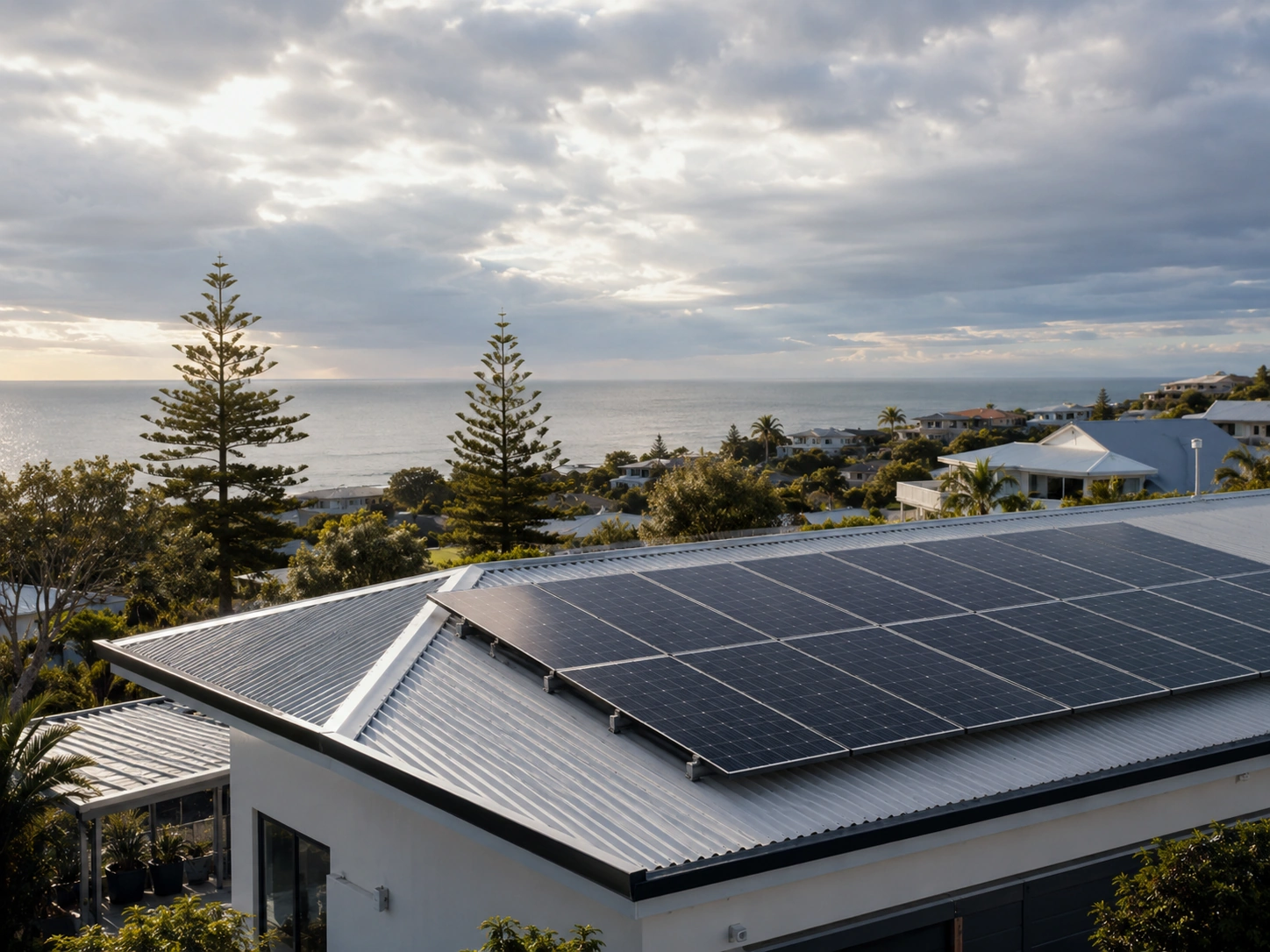
In some cases, the solar array may be too small for the combined household and battery demand. This is common after lifestyle changes, such as adding an electric vehicle, electric heating, a pool pump, a larger hot water system or new appliances without increasing solar capacity.
If monitoring shows the system regularly operating at or near its maximum solar output, yet there is still little surplus available for the battery, the limitation may be system size rather than a fault. In that situation, charging behaviour may only improve by reducing daytime consumption, shifting large loads to different times, improving energy efficiency or expanding the solar array, subject to inverter, roof and network constraints.
A solar monitoring app is often the fastest way to understand why a battery is not charging. It shows what the system is doing in real time and whether a setting, load pattern or fault may be preventing charge.
Most modern battery systems include dashboards that display power flows, battery percentage, solar production and grid use. Focusing on these essentials can help narrow the issue before calling an installer.
Start with the main live view or power flow screen. This usually shows arrows between the solar panels, battery, household loads and grid. When the sun is out and the battery should be charging, look for power flowing from the solar system to the battery and check whether the battery percentage increases over 15 to 30 minutes.
If the app shows solar power going only to the home or back to the grid while the battery state of charge stays flat, the system is not sending energy to the battery. This may point to a charge limit, operating mode, full battery, communication issue or system fault.
Also check the reported battery percentage. If it reads 0% or 100% and never changes during a sunny period, the battery may be disconnected, in a protected shutdown state or reporting incorrectly. If the app shows a battery status such as “Charging”, “Discharging”, “Idle”, “Standby” or “Fault”, note the exact wording. This can help a technician understand whether the system is intentionally blocking charge or failing to operate correctly.
Next, check the daily or weekly graphs showing solar generation, battery charge level and grid import or export. Focus on clear days where the battery would normally be expected to charge.
Look for whether solar production is occurring around midday, and compare recent days with older days when the battery charged normally. If the solar production graph drops sharply or remains near zero on sunny days, the issue may be on the solar or inverter side rather than the battery. If solar production looks normal but the battery level stays flat, the issue may be related to battery settings, communication, the inverter charger or the battery itself.
Open the notifications, alerts or status section of the monitoring app. Fault messages can provide valuable clues, even if they are not easy to interpret.
Record any active alerts, error codes or unusual messages. Screenshots of the power flow screen, battery status, historical graph and alerts are useful if technical support or an installer visit becomes necessary.
It is also worth thinking about recent changes. A battery may stop charging properly after a firmware update, tariff change, power outage, storm, switchboard work, internet disruption or change to system settings. Mentioning these details to a technician can help speed up diagnosis.
Solar batteries can sometimes appear faulty when the real issue is a conservative or incorrect setting in the inverter or battery management system. Modern systems rely on digital controls that decide when charging is allowed, how much energy is stored and where solar power is sent first.
These settings can be useful, but if they are misconfigured, the system may behave as though the battery is not working even when the hardware is healthy.
Most hybrid inverters and battery systems allow minimum and maximum state of charge limits to be configured. If these limits are set too conservatively, the battery may stop charging long before it reaches its usable capacity.
For example, if the maximum state of charge is set to 60%, the system may divert solar to household loads or export to the grid once the battery reaches that level, even on a sunny day. A high reserve or backup percentage can also make the battery appear less active, because part of the battery is being held aside for backup power rather than everyday use.
Homeowners can usually view these settings in the app, but they should avoid changing advanced battery or inverter settings unless they understand the manufacturer’s instructions or have been advised by a qualified solar and battery technician. Incorrect settings can affect performance, warranty conditions and system safety.
Battery operating modes control how solar energy is prioritised. If the wrong mode is active, the system may be working exactly as instructed but not in the way the homeowner expects.
Common modes include:
If a time-of-use schedule is misaligned with the household’s electricity tariff or was set for a previous energy plan, the system may block charging during key daylight hours. Check whether solar charging is allowed during the main sun hours and whether any schedules are restricting battery operation.
Some systems allow separate limits on how fast the battery can charge and discharge. If the charge limit is set very low, the battery may technically be charging, but so slowly that the state of charge appears stuck.
Look for settings such as charge power limit, discharge power limit, charge current or battery charging schedule. These should only be adjusted within the manufacturer’s specifications and, where needed, by a qualified technician. If the setting appears unusual, take a screenshot rather than changing it immediately.
A solar battery that regularly stops at 70%, 80% or 90% can be frustrating, but it does not always indicate a fault. Modern batteries are managed by internal electronics that control charging to protect the cells, manage temperature and extend battery life.
In some cases, the system is operating normally. In others, a setting, environmental condition or fault may be stopping the battery from reaching full charge.
Every quality solar battery has a battery management system, often called a BMS. This system monitors the battery and decides how quickly and how far it can charge. It may limit charging to protect the cells, reduce stress on the battery or maintain a reserve for backup use.
Some systems are configured so the full physical capacity is not available for daily use. For example, a battery may have a nominal capacity of 10 kWh but only allow a smaller amount to be used regularly. This can help protect battery health over time. Firmware updates may also adjust charging behaviour, which can make the battery seem different after an update.
Battery performance is affected by temperature. Lithium batteries have defined operating windows, and the battery management system may slow or stop charging if the battery becomes too hot or too cold.
Hot conditions in a garage, roof space or poorly ventilated area can cause the system to reduce charging during summer. Very cold conditions can also lead the battery to restrict charging until temperatures return to a safer range.
Good ventilation, shade from direct heat sources and correct installation location all help support stable battery performance. If temperature-related warnings appear often, the installation location should be reviewed by a professional.
If the battery is not charging despite strong sunlight and low household demand, the inverter or another system component may be involved. The inverter manages how energy flows between the panels, battery, home and grid. If it is in fault mode, standby mode or incorrectly configured, energy may not reach the battery.
Before assuming the battery itself has failed, check the inverter status through the monitoring app, display panel or indicator lights.
A hybrid inverter must be operating correctly to charge a battery. If it is in standby, backup-only or fault mode, the battery may sit at the same state of charge despite good solar production.
Check for:
If an error code appears, record the exact wording and code number. Some manufacturers provide basic explanations in the user manual or app. A minor communication issue may clear after the recommended shutdown and startup procedure, but persistent or repeating errors should be inspected by a licensed solar electrician or battery technician.
Many hybrid systems rely on current sensors, battery communication cables and smart meters to measure power flows. If these are offline, misconfigured or installed incorrectly, the inverter may not correctly detect surplus solar energy.
For example, if a current sensor is reading power flow in the wrong direction, the inverter may think the home is importing power when it is actually exporting. This can prevent the battery from charging at the right time.
Communication faults can also occur after internet outages, firmware updates, storms or electrical work. If the app shows missing data, unusual power flows or battery communication errors, professional diagnosis is recommended.
Physical faults can prevent charging even when the system appears online. Loose connectors, corroded terminals, damaged cables, a tripped battery breaker or a blown fuse can interrupt the charge path.
Homeowners should not open electrical enclosures or touch DC wiring. However, where it is safe to do so, they can visually check for obvious external signs such as:
Any burning smell, warm plastic smell, visible damage, water entry or repeated tripping is a safety issue. Follow the manufacturer’s shutdown procedure if it is safe to do so, then arrange urgent professional inspection.
Some solar battery charging issues can be explained by low solar production, high household usage or settings visible in the monitoring app. However, there are clear warning signs that require a qualified solar and battery technician.
Professional support is important if the issue may involve high-voltage DC wiring, internal battery components, inverter faults or settings that should not be adjusted by the homeowner.
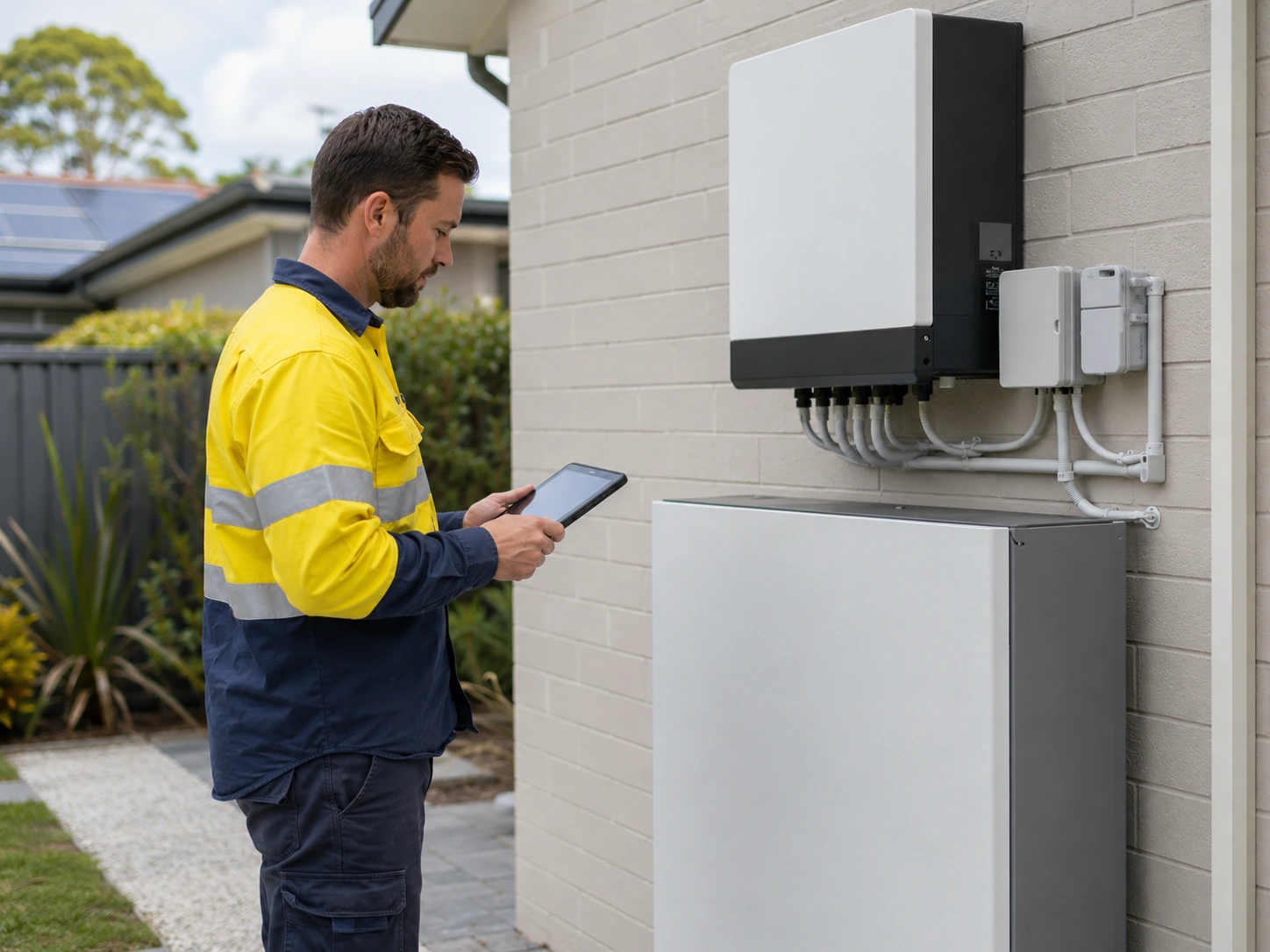
Arrange a professional inspection if the battery still will not charge after checking the monitoring app, household usage, solar production and obvious settings.
If the system continues to show 0% or very low charge despite sunny conditions and normal solar generation, there may be a deeper electrical, communication or software issue. Repeated daily charging failures or a battery that only charges partially in strong sun may indicate a problem with the battery management system, inverter charger, metering setup or DC connection.
These are not items that should be opened, tested or adjusted without proper training.
A technician should also be called if the app or inverter shows repeated or unresolved warnings. Important alerts include:
Unusual behaviour is also worth investigating. This includes the battery jumping suddenly between charge levels, staying stuck at one percentage for long periods or frequently switching between charging and idle without a clear reason.
Professional support is essential whenever there is a possible safety or warranty issue. Arrange an inspection immediately if:
An inspection is also sensible if the battery is nearing the end of its warranty or design life and begins showing reduced capacity or irregular charging patterns. Intermittent issues can point to developing faults that are often easier to address when caught early.
A solar battery that is not charging properly is often the result of low solar surplus, high daytime energy use, seasonal production changes, restrictive settings, inverter faults, battery protection limits or environmental conditions. By reviewing monitoring data, checking system performance and understanding how charging behaviour is influenced by household usage and battery configuration, homeowners can get a clearer idea of where the problem may be occurring.
Some charging issues can be traced to simple operating conditions or settings, but persistent faults, error codes, unusual battery behaviour or signs of physical damage should always be assessed by a qualified professional. A properly configured and well-maintained solar and battery system should provide dependable performance for many years.